A click-through tour of the Cortex admin screens, in the order you'd use them to take a team from
nothing to selling. Each shot has numbered points — click a point to read what it does, or scan
the list beneath it. This is the what's-on-screen reference; for the end-to-end flow see
How to onboard a new team and the
Set up your own team tutorial.
⚠️ Cortex UI as of June 2026 — the admin app is under active development and changes often; if a
screen looks different, trust the live app over this page. Screens are captured from a sandbox
(the running example is a "Golden State Warriors" Flex program at Chase Center); personal data is
blurred.
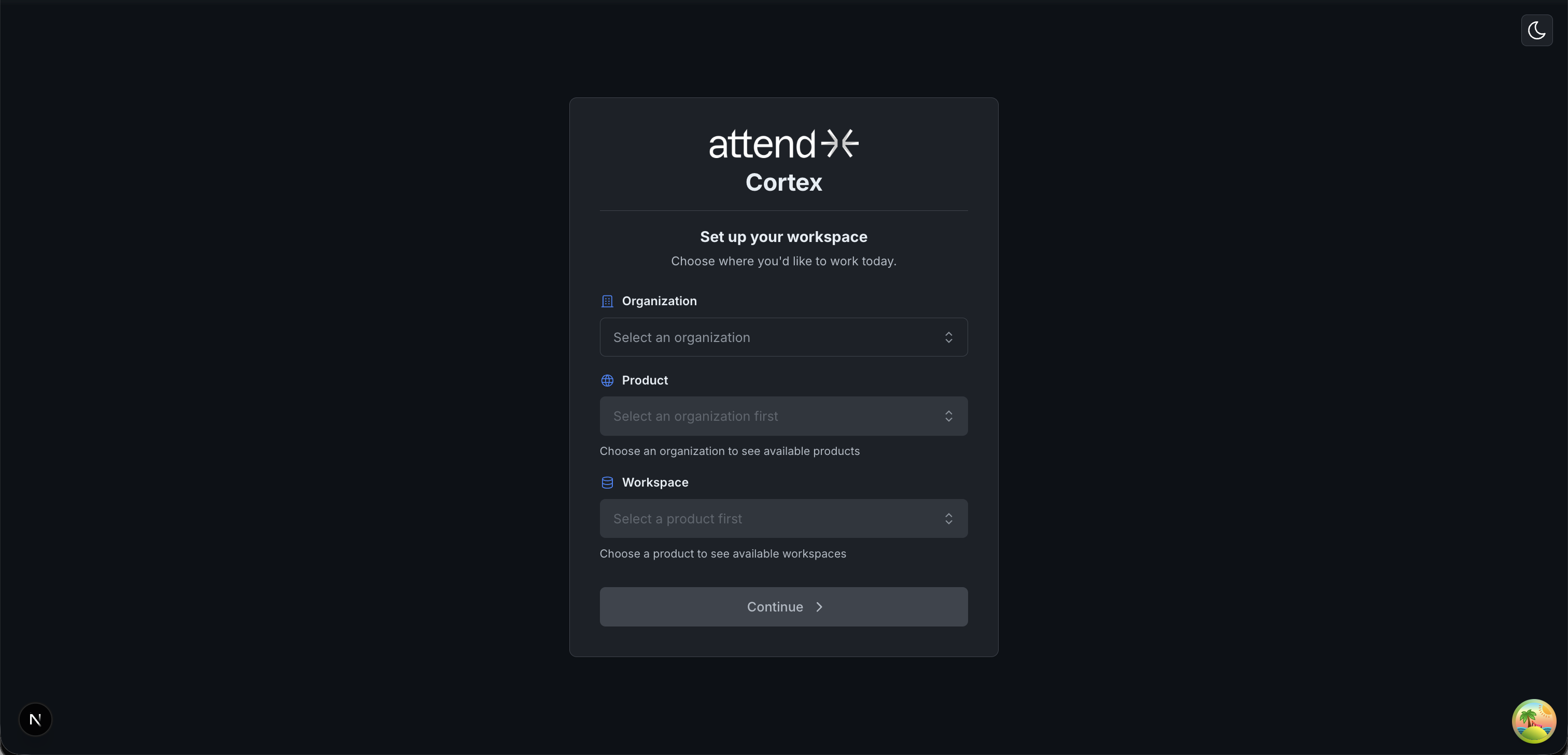
The first thing you see. Pick where you're working — a client, a product, and a specific schema.
You can't do anything until a workspace is selected (top-left "Change" switches it later).
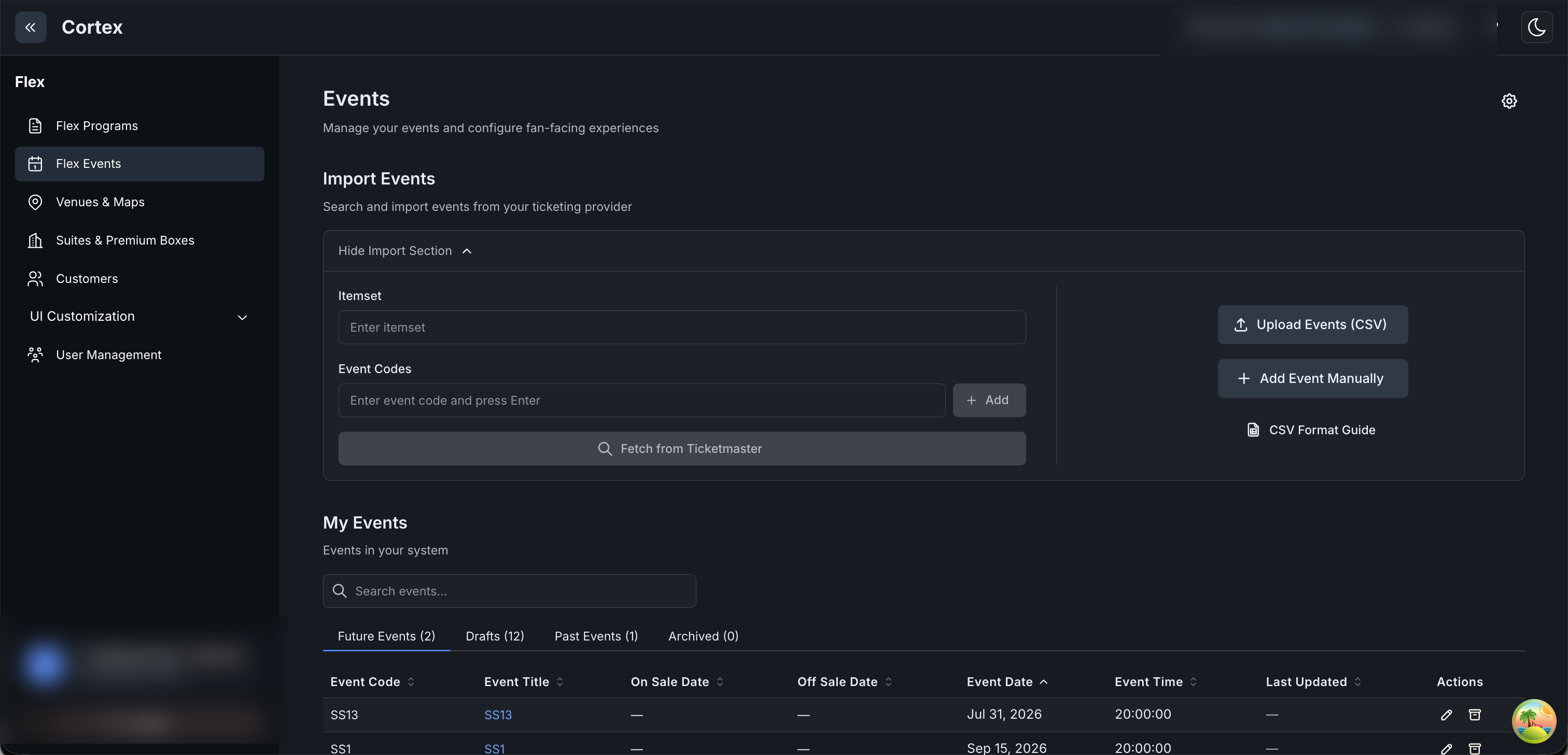
Where vendor events come in. Provide an item set to pull everything, or specific event codes —
it's either/or. Imported events land as Drafts.
⚠️ Gotchas: sandbox SS events are often dated in the past — future-date them while they're
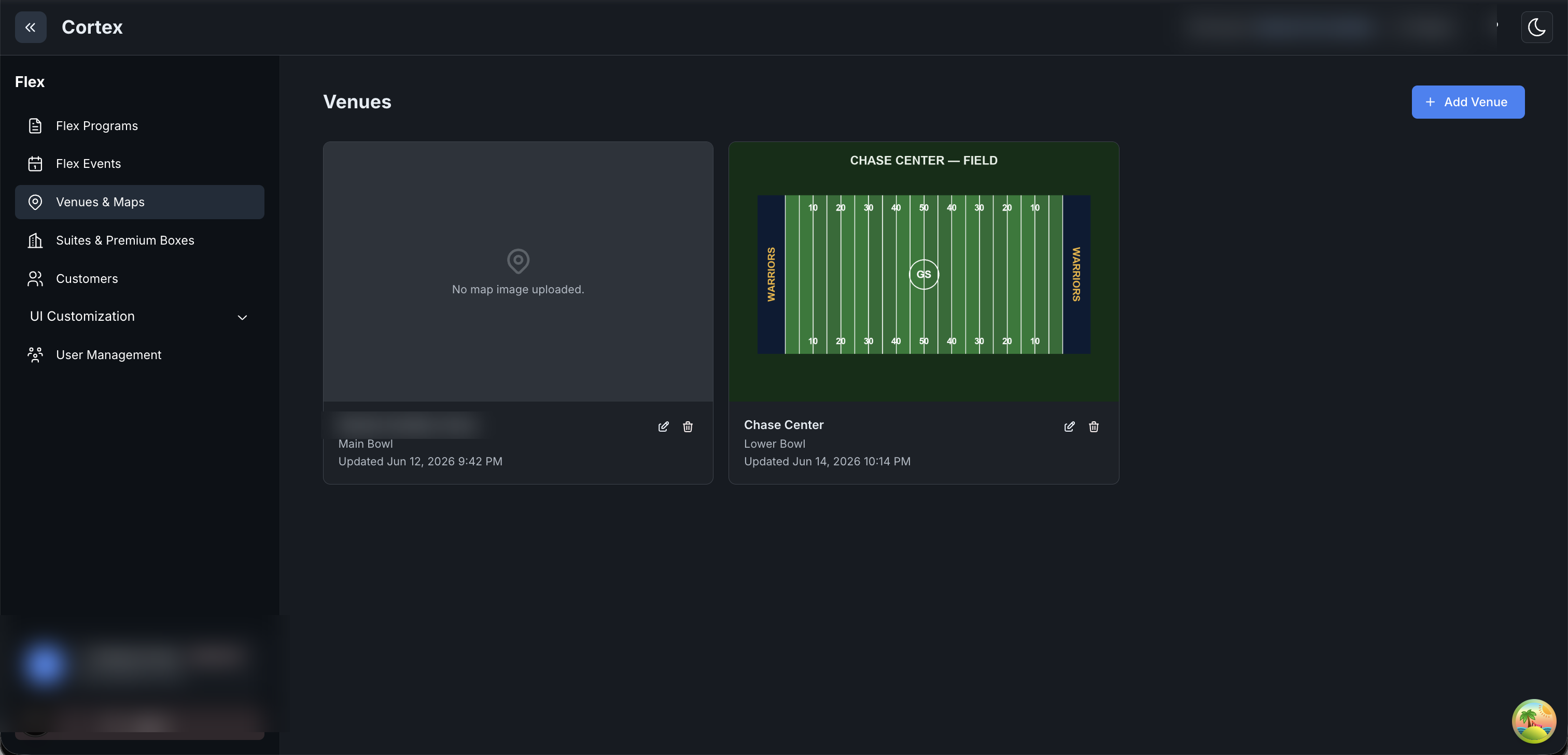
Drafts (the date locks on publish). Publishing an event also requires a venue.
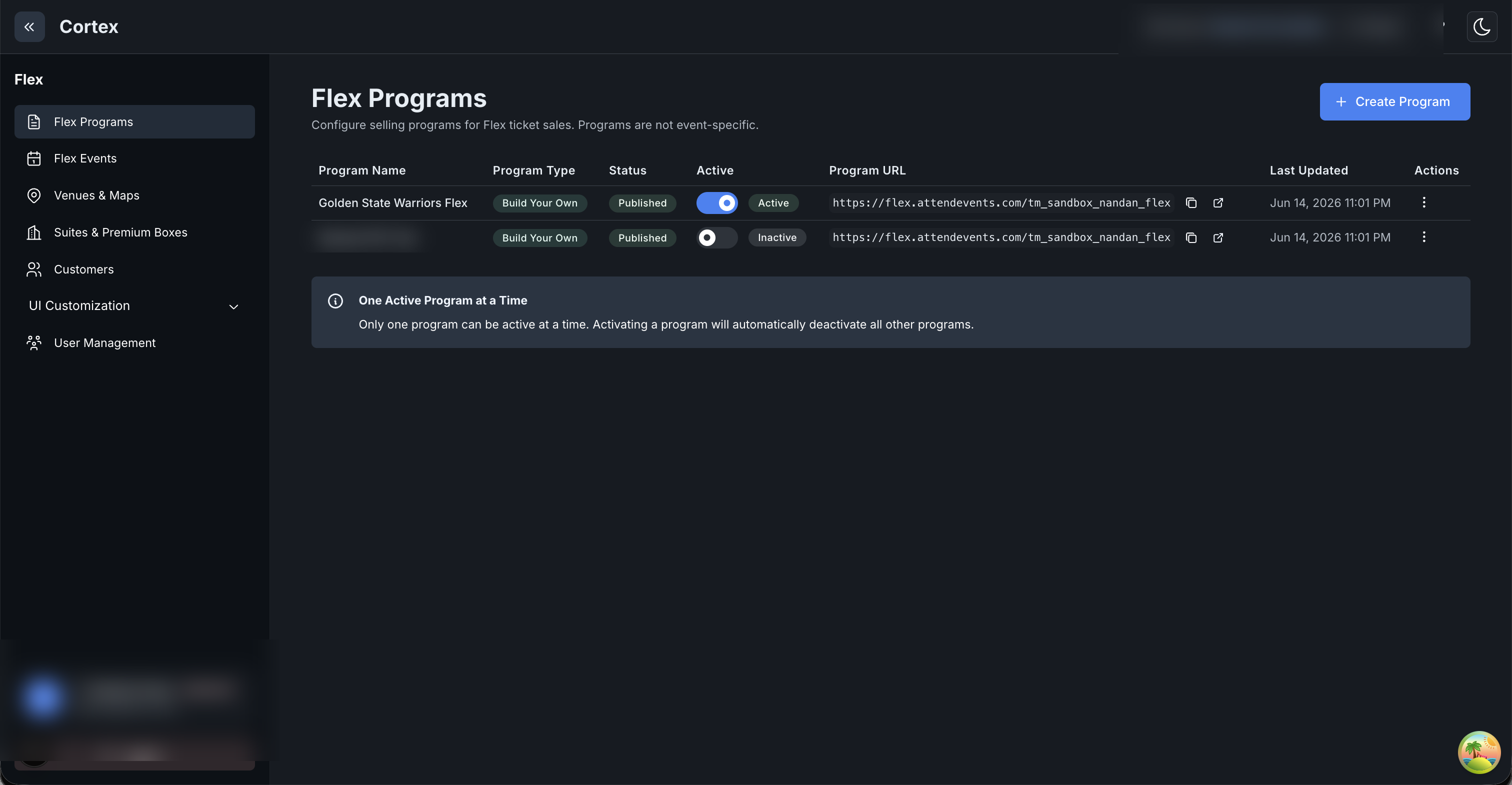
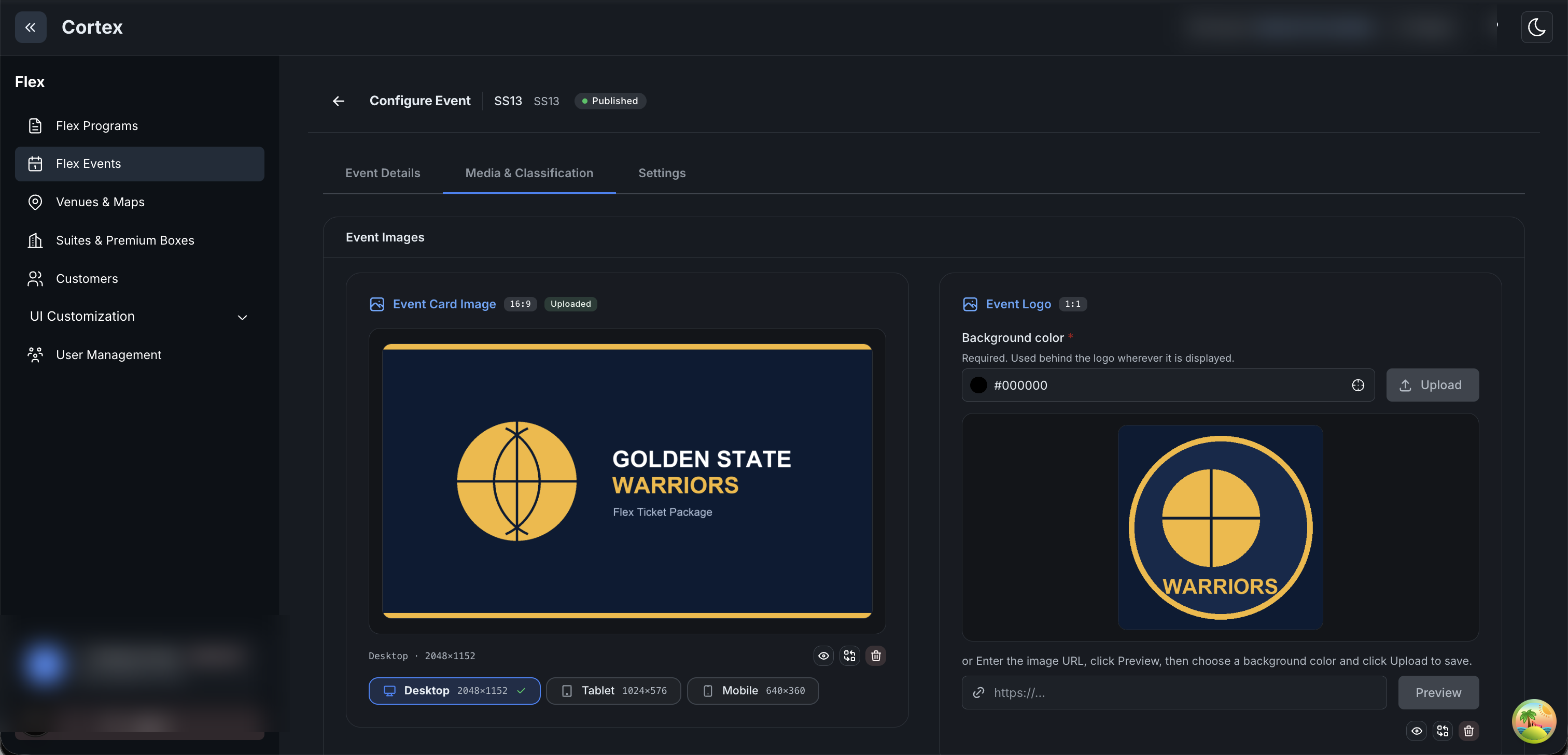
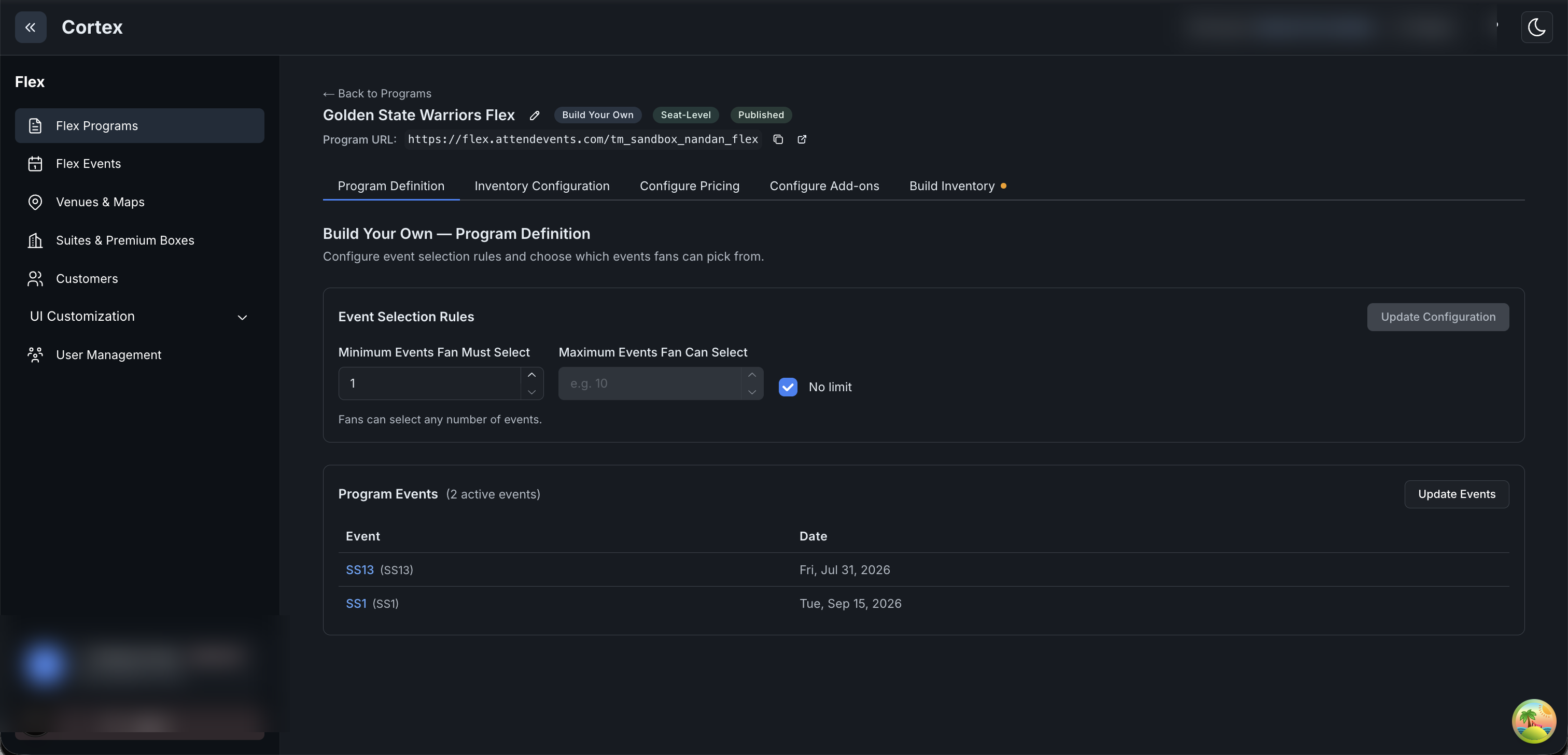
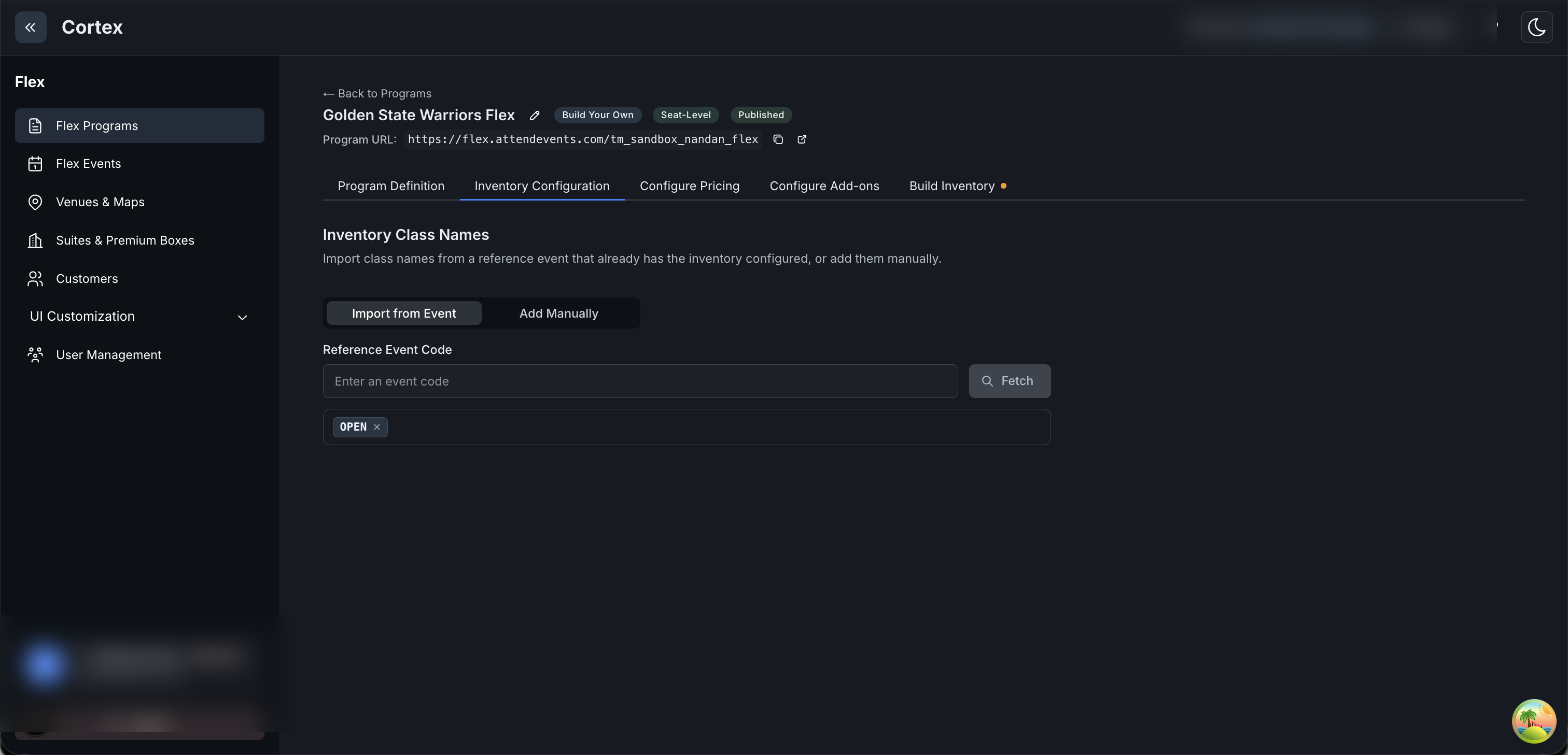
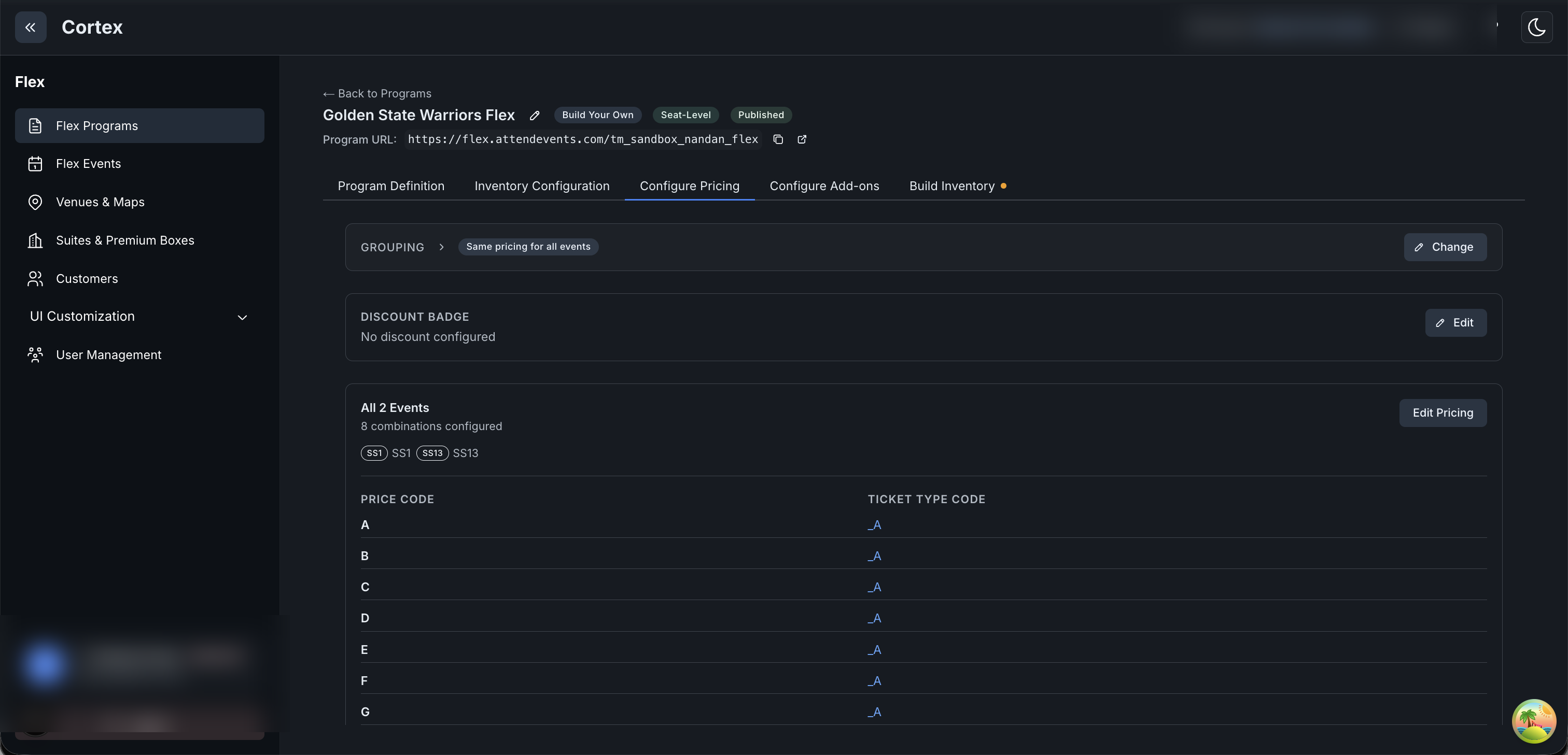
A single program's home. The tabs across the top are the build sequence (left → right); this first tab
sets which events a fan may pick. Open it from Flex Programs → a program name.
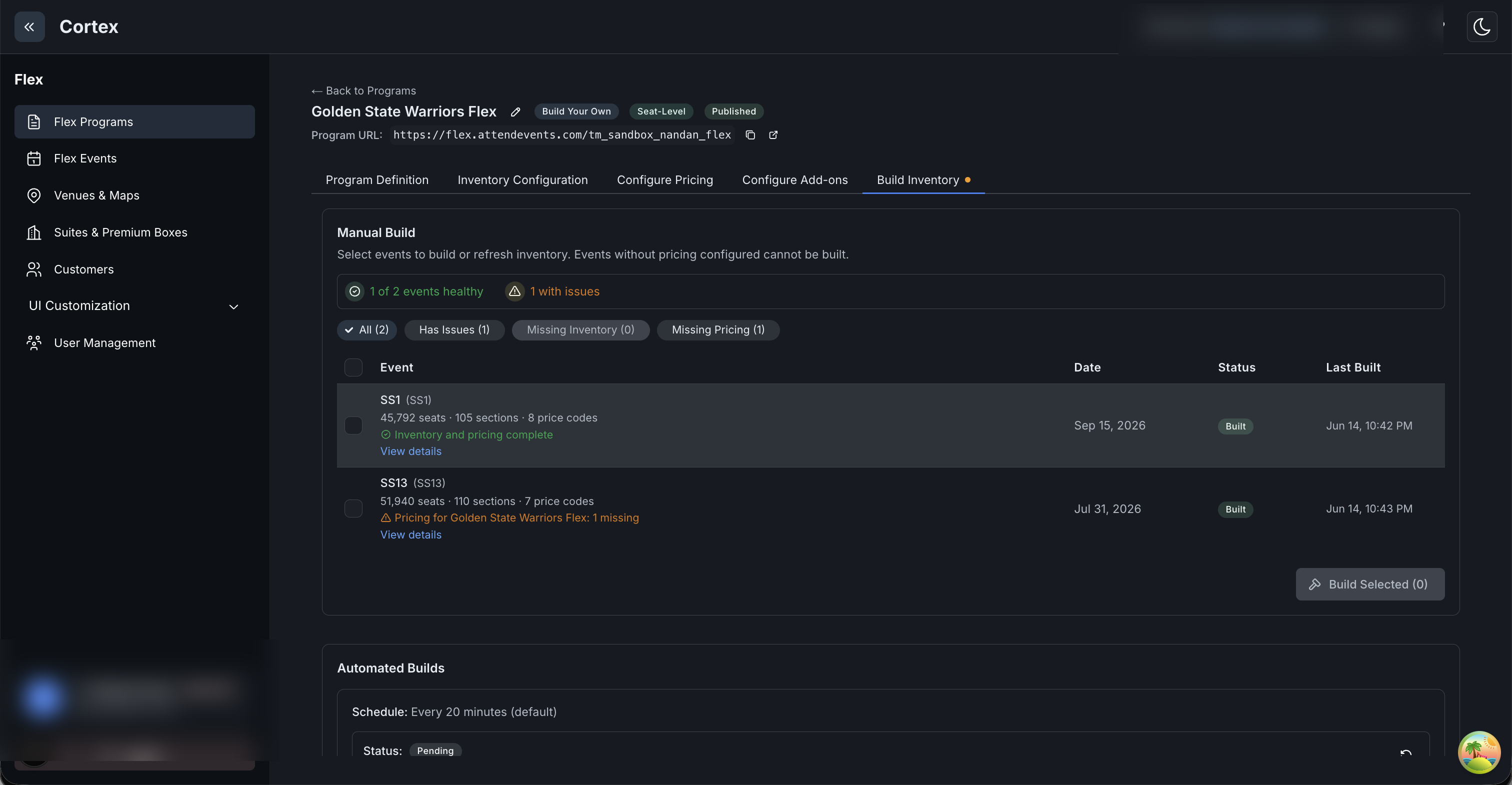
Step 5: pull the seats from the vendor. Requires the program to be published first.
⚠️ Gotcha: "Pricing … 1 missing" on an event means a price code on its seats has no configured
price — that combo just won't sell; the rest still build.
Suites (private hospitality boxes) are administered under the Flex product — there is no separate
Premium app in Cortex. A suite is real seats sold as one block: there's no "suite" object in the
ticketing system, just a grouping Cortex remembers (Chapter 11 — Suites). These
screens cover defining suites and selling them through a Suite-Level program.
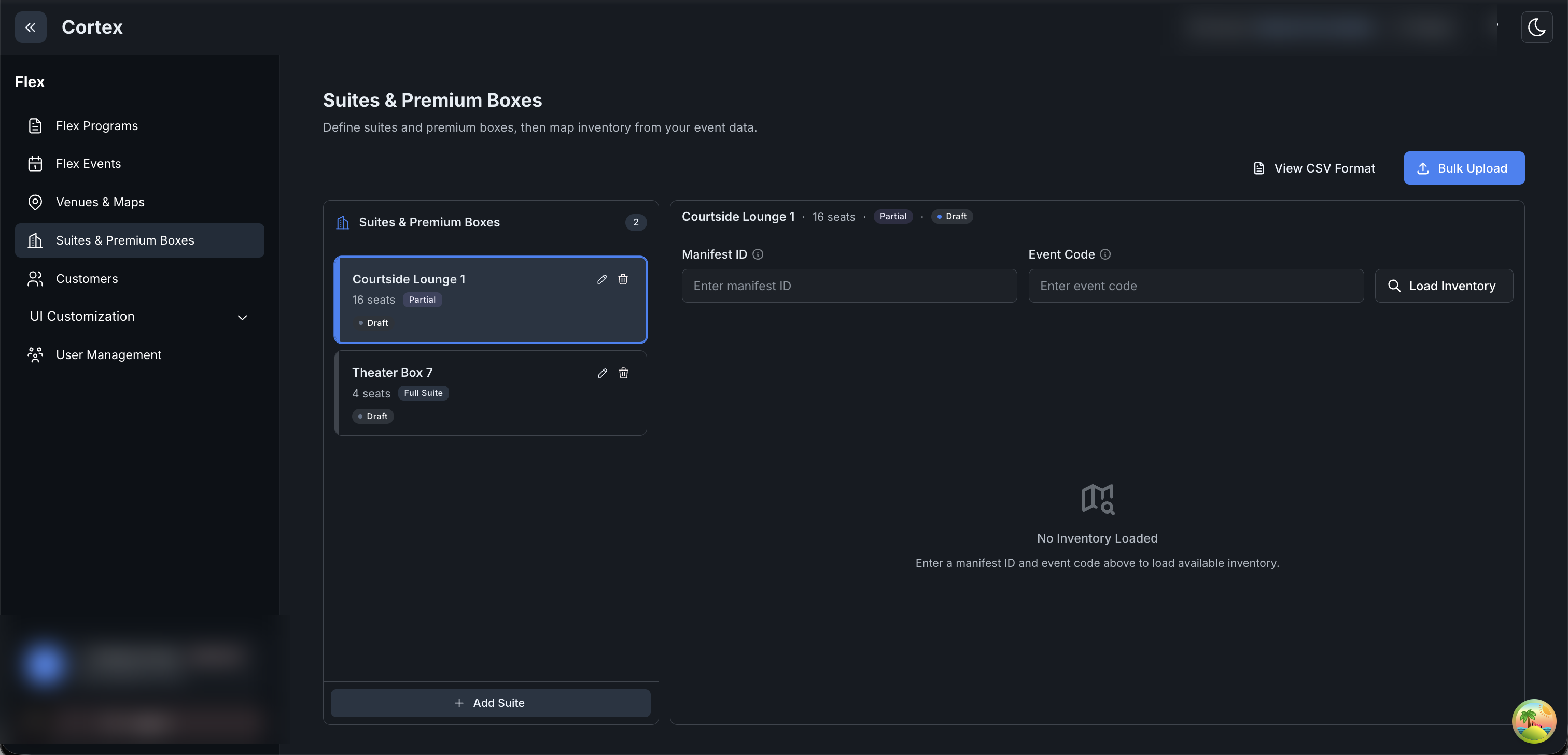
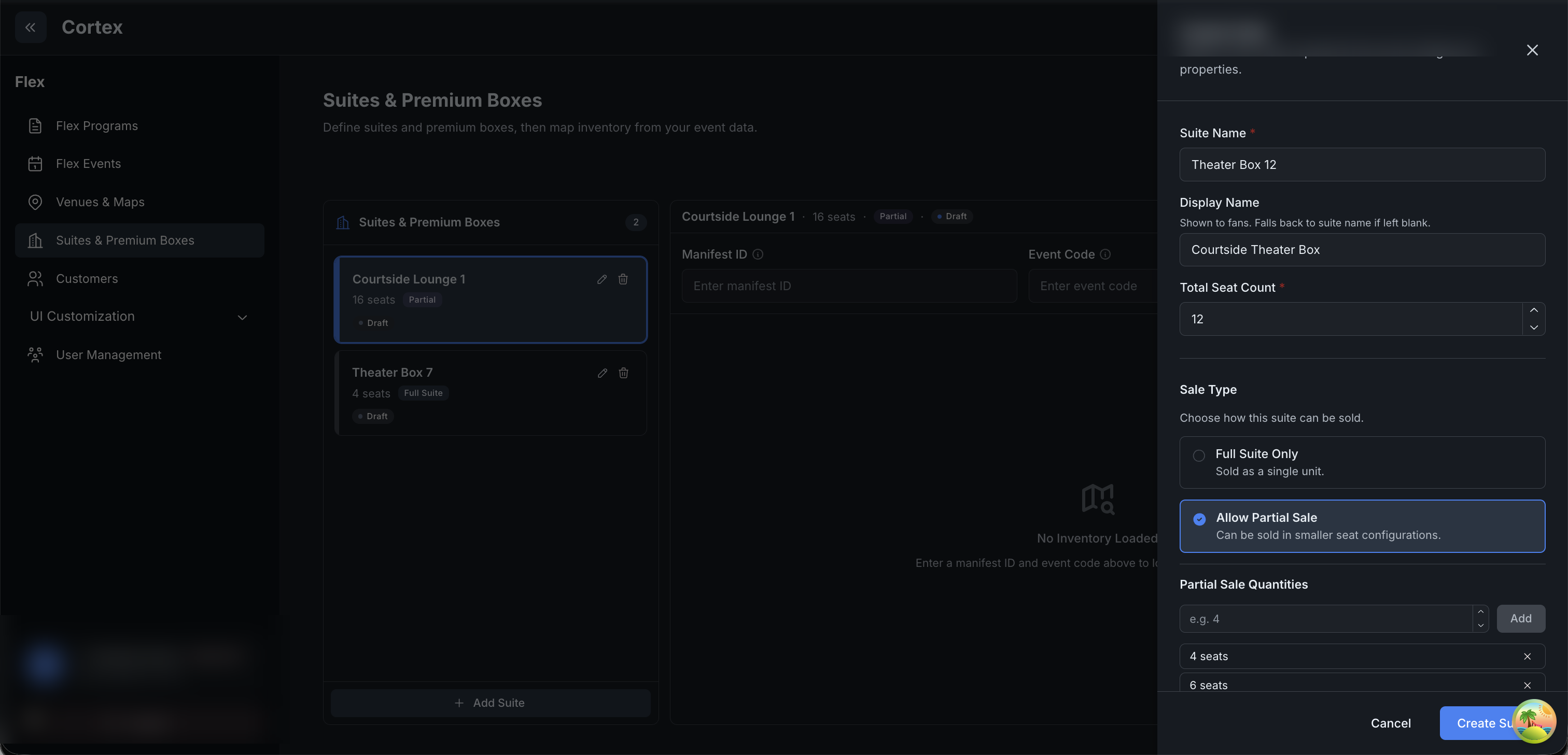
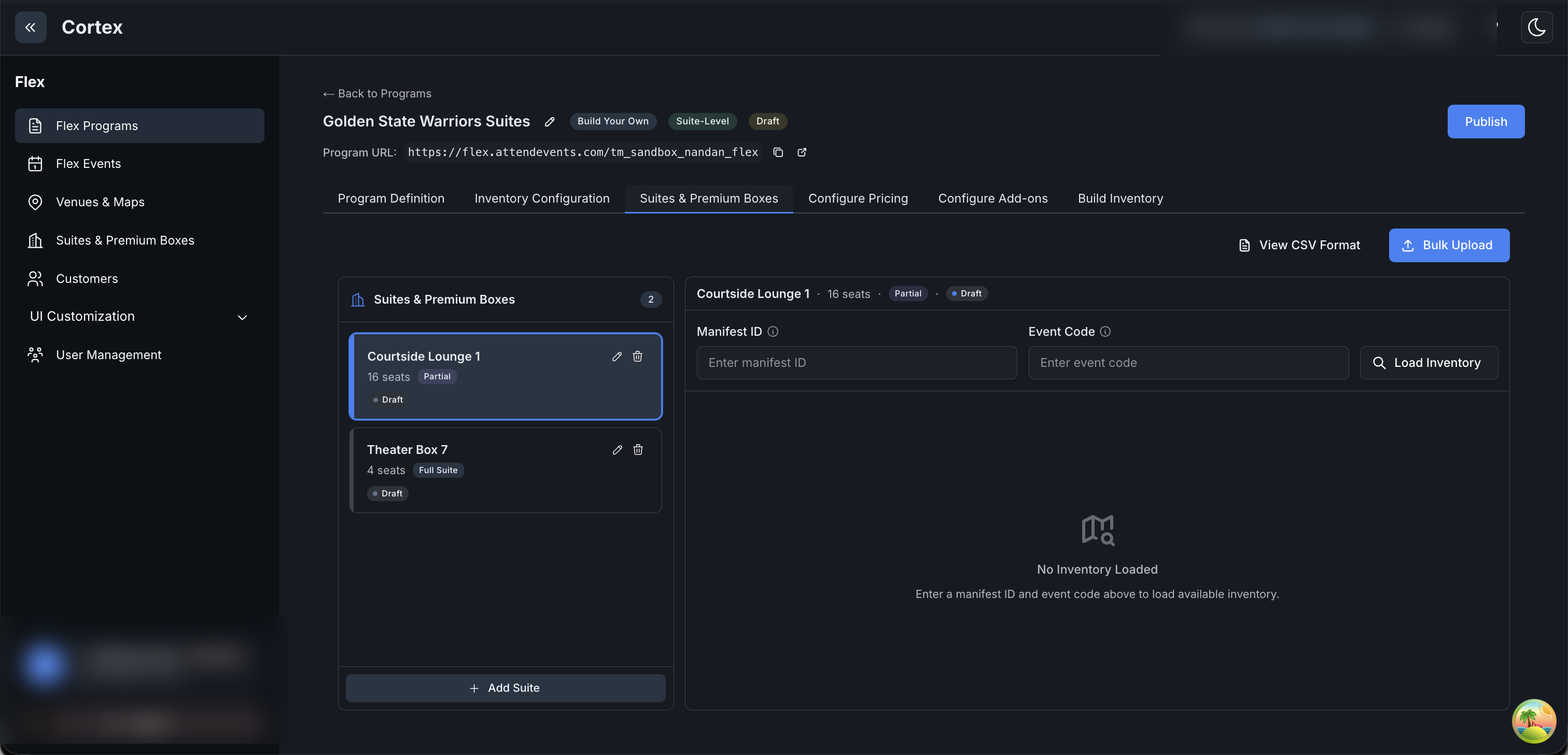
Define suites, then map each one to its real seats from the venue manifest. Reached from the Suites
& Premium Boxes left-nav item (also embedded in a Suite-Level program — screen 13).
💡 The map image is optional everywhere — seats come from the manifest, not an uploaded map.
Suite definitions are venue master data: they survive inventory rebuilds and apply across all events.
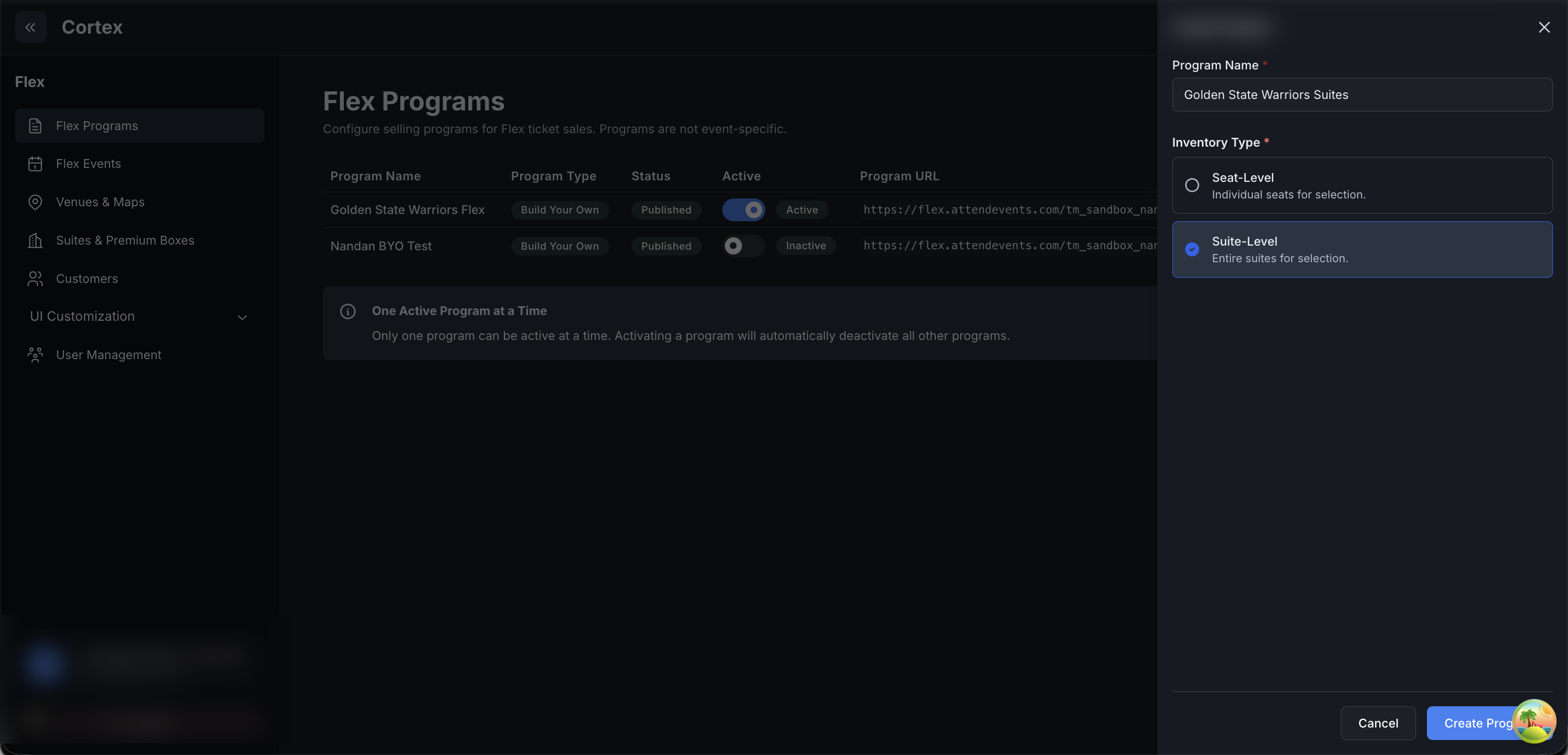
Premium sells through a program whose Inventory Type is Suite-Level (fans pick whole suites /
partials) rather than Seat-Level (individual seats). Set from Flex Programs → Create Program.
A Suite-Level program has the same build sequence as a seat-level one plus a Suites & Premium
Boxes tab — the same suite manager from screen 10, surfaced inside the program.
💡 Suite pricing is per seat, shown as a block total (40 seats × $100 = a $4,000 suite), and
suites carry no discounts. Premium prices per event, per suite; see
Chapter 11 — Pricing a suite.